A little help
Make yourself
at home.
Need a hand with your rooms? Find a quick answer below, or get in touch with a question, a problem, or an idea for Foldspace.
swixer.support@icloud.com
Get in touch
Email us with questions, bug reports, or ideas for Foldspace. We’d love to hear from you.
For a problem, please include your device model, iOS version, Foldspace version, and the steps that led to it. A screenshot can help us see what happened.
Back to creating
A few quick answers
How do I move and rotate furniture?
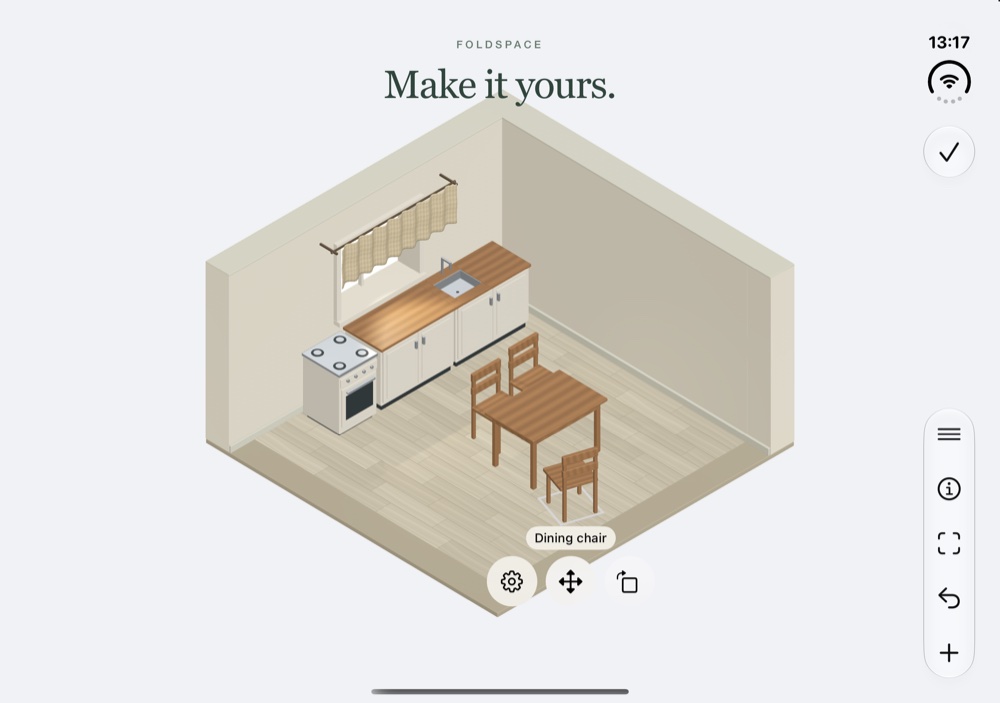
Hold a piece or an empty part of the room to start arranging, or tap the pencil button. Tap a piece to select it, then drag to move it.
Drag the rotation handle toward the direction the furniture should face, or tap it for a 15° turn. The gear opens options for finishes, precise movement, and removal.
Can I put small objects on other furniture?
Yes. Drag decorations onto a compatible table, shelf, windowsill, or the floor. Cushions can also sit on the sofa. The object needs enough space on the surface; its options offer a precise placement choice too.
How do I zoom or see the room from above?
Pinch with two fingers to zoom. Open Room view for From above, zoom controls, or Show whole room. Choose Automatic to return to the device’s normal presentation.
How do missions and free decorating work?
Open Missions to start a room with a checklist. The info button shows the brief, and completing the mission unlocks its reward for your rooms.
For free decorating, open My rooms and create a new, empty room. You can also revisit or duplicate an existing arrangement.
How do I change colors and make the room cozy?
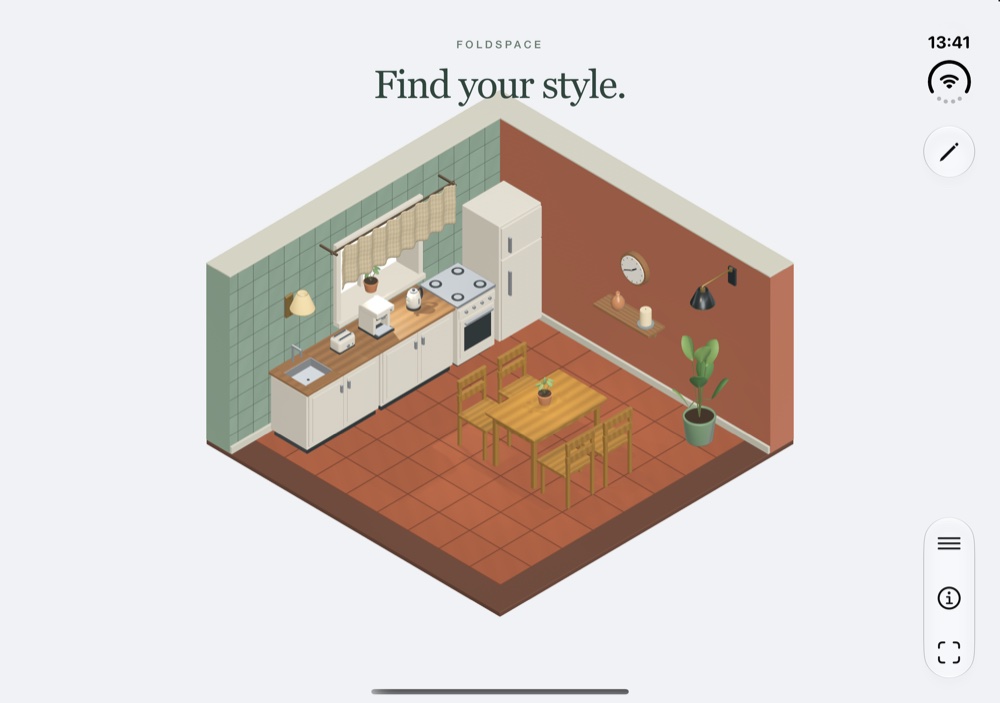
While arranging, select a wall or the floor and open its gear to choose a wall color or floor finish. Use Room lighting to switch between day and evening.
While looking around, tap a lamp, candle, or wood-burning stove to switch it on or off. While arranging, use its options to adjust brightness. Tap curtain fabric while looking around to open or close it.
Do I need to save my room?
Your room is saved automatically after each edit. If Foldspace shows a saving error, keep the app open and use its retry option before switching rooms or closing the app.
How can I undo an accidental change?
While arranging, tap Undo to reverse an edit. Hold the Undo button for the Undo and Redo menu.
What should I include in an iPhone Duo report?
Tell us whether you were using the outer screen, book mode, laptop mode, or the open display, and what happened when the screen angle changed. Include the device model, iOS version, app version, and a screenshot if possible.
A space of your own
From a little idea to your own style.
Still need a hand?
Questions and ideas are welcome. Tell us what you’re trying to do, and we’ll help you find your way.
swixer.support@icloud.com